We have created 3 free certificate templates for WatuPRO. You can use them as base to design your own good-looking certificates. Feel free to download any or all of them. Each certificate contains the necessary HTML code and graphics. So if you want to use them, you need to do this:
1. Download the certificate template
2. Unzip it
3. Upload the pictures you want to use to your blog gallery
4. Open index.html in a text editor like Notepad or Notepad++. Copy all the contents to the clipboiard and place it in the certificate editor inside your blog, in Text mode
5. Replace the paths to images with the correct paths to the images uploaded in your gallery
6. Feel free to edit the text and the design further of course.
Certificate Template 1
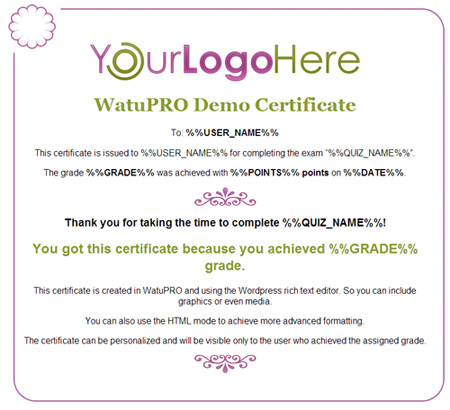
Download here
Certificate Template 2

Download here
Certificate Template 3

This one is a bit more complicated so it has two versions – one for HTML based certificates and one for PDF based ones. Download depending on whether your certificates are PDF based or not.
HTML-friendly download | PDF-Friendly download
Instructions for PDF Designs
Because the PDF designs contain .svg files you will not be able to upload them through the media uploader. You’ll need to use FTP. The easiest way to do it is to upload all the image files in your home folder (the same one where your WordPress index.php file is).
If you don’t want to put these in your main folder and prefer to keep the things more organized you can upload them to any other folder. The folder should be accessible from the browser and you will need to change the path of the images in the HTML code of the certificate with full paths (with http) of these images on your server.
Note that the images should stay on the same domain where your WP installation is. You can’t keep the images on another server or somewhere in the cloud – the PDF generator may not be able to access them.